Karibu · Restaurant Management System

The restaurant OS built for Africa.

Take orders, fire tickets to the kitchen, collect M-Pesa and track every shilling of stock — in one system that keeps working when the internet doesn't.
No setup fees Works offline M-Pesa ready
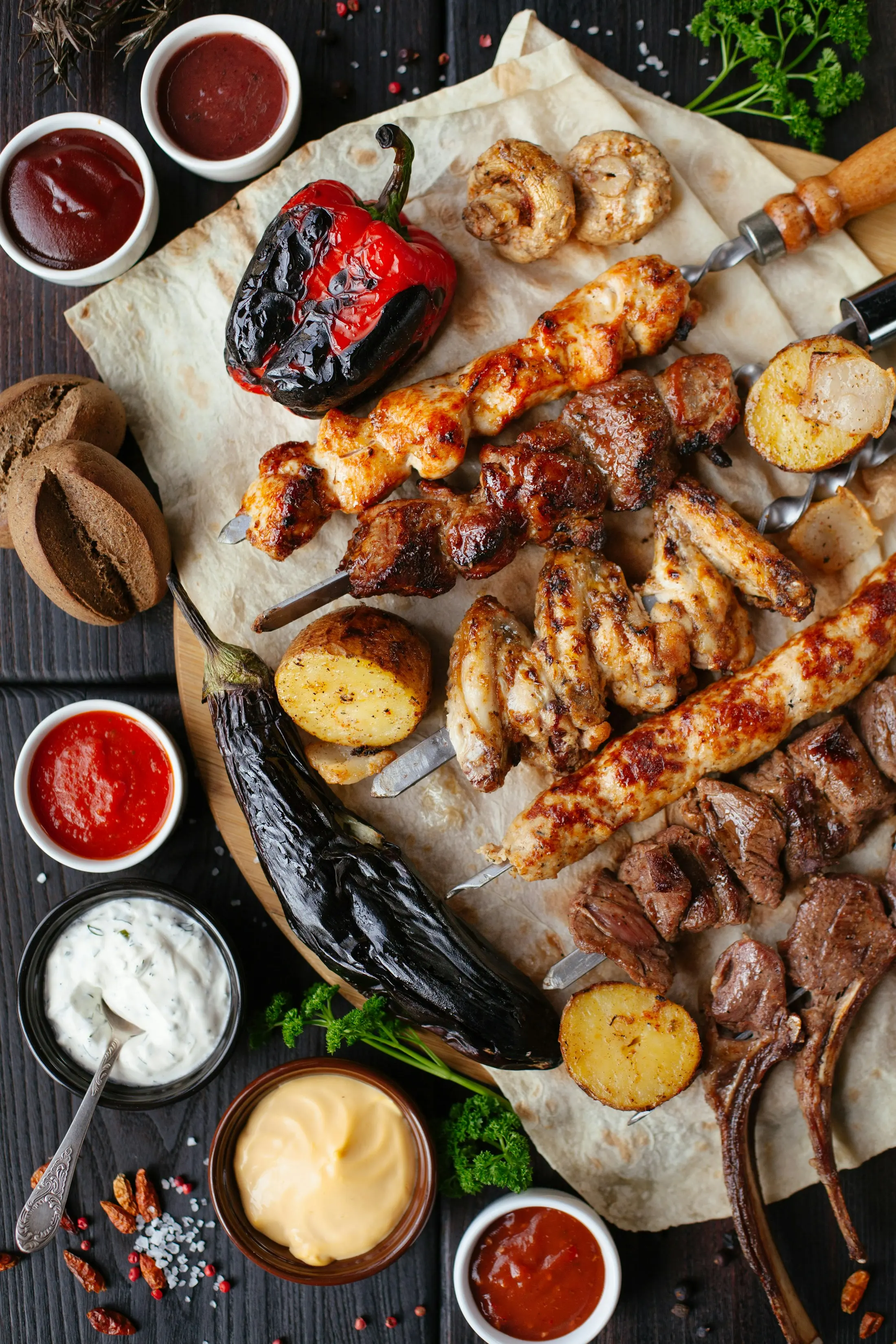
Grilled meats, roasted vegetables and sauces served on a board

Today's sales

KSh 24,580

Dine-in & takeaway

One queue for every order type

Offline-first

Keep selling when the internet drops

M-Pesa & cards

STK push, cash and cards in one flow

Multi-branch ready

One account, every location

From the jiko to the table

Built for kitchens that cook like home.

Nyama choma joints, pilau kitchens, cafés, hotels and bakeries — KulaOS keeps service moving whatever is on the menu.

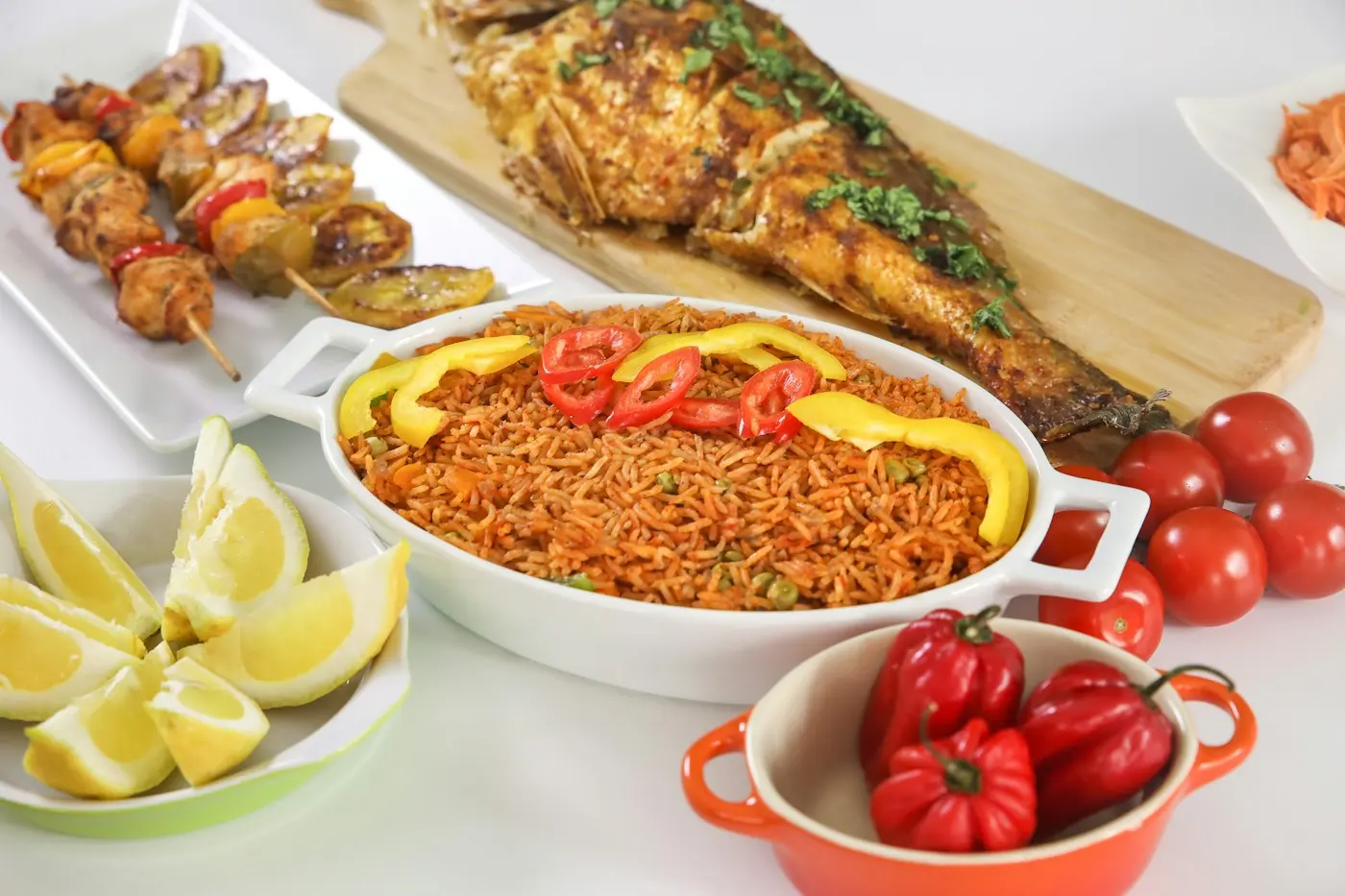
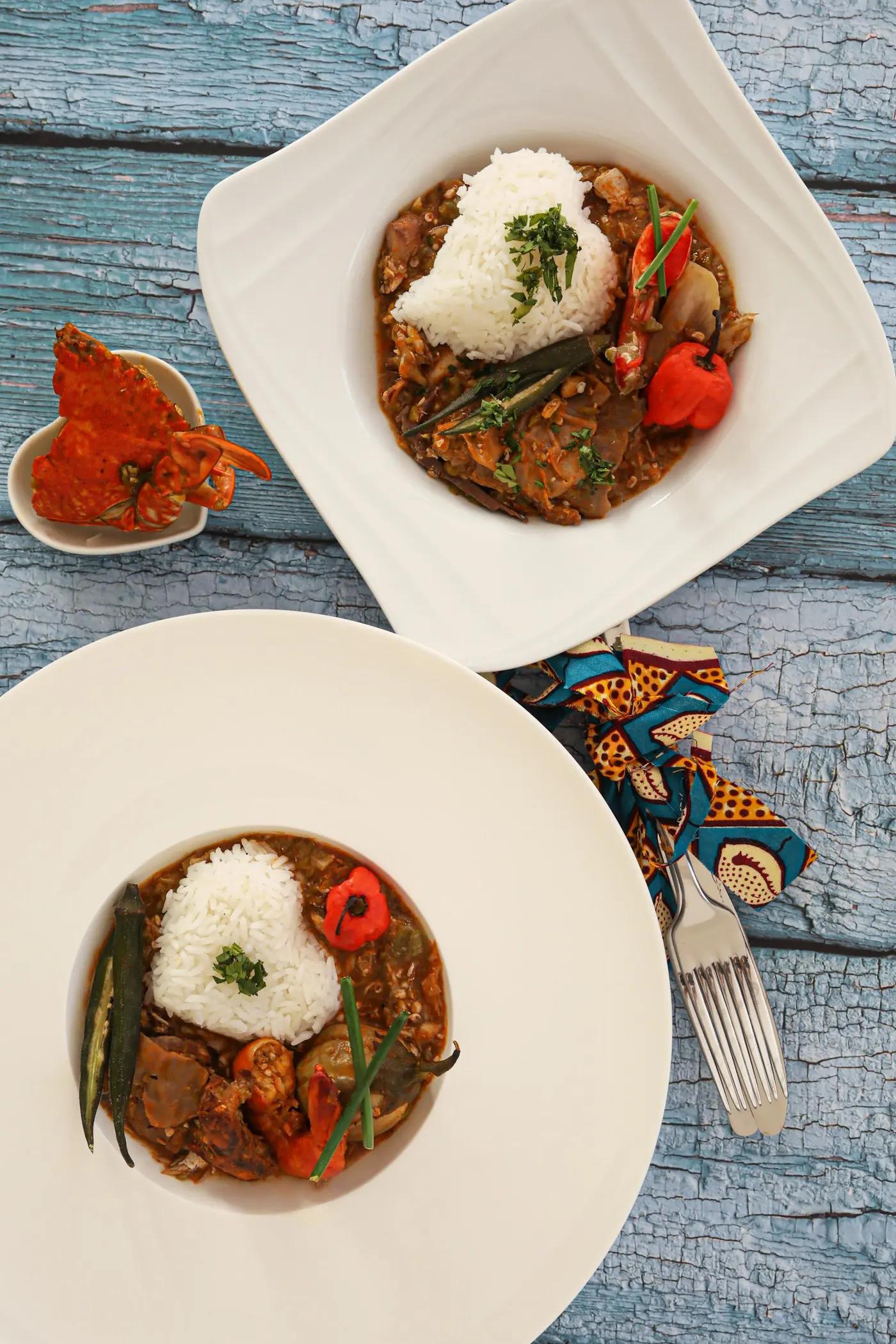
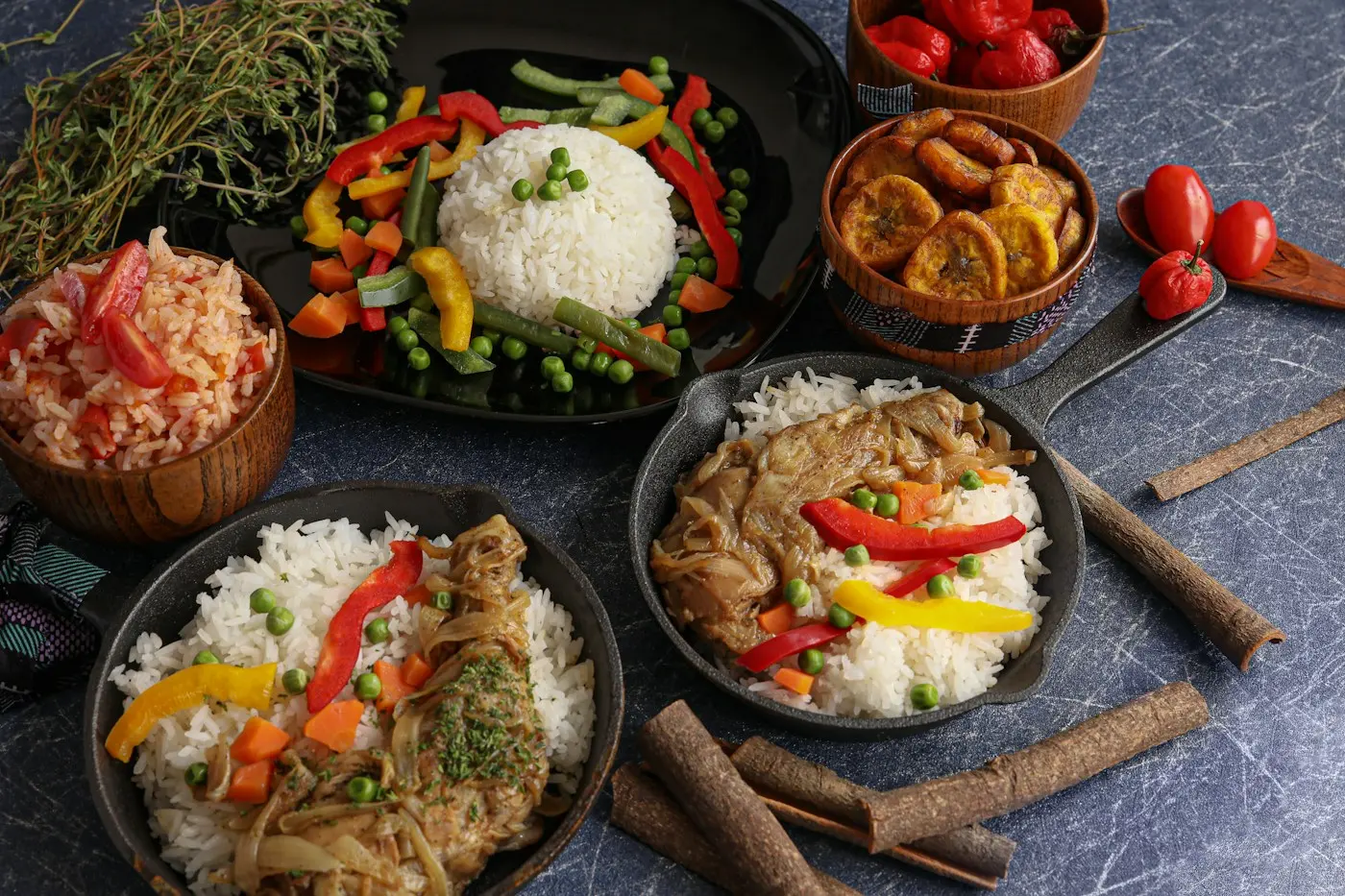
Jollof & grilled fish
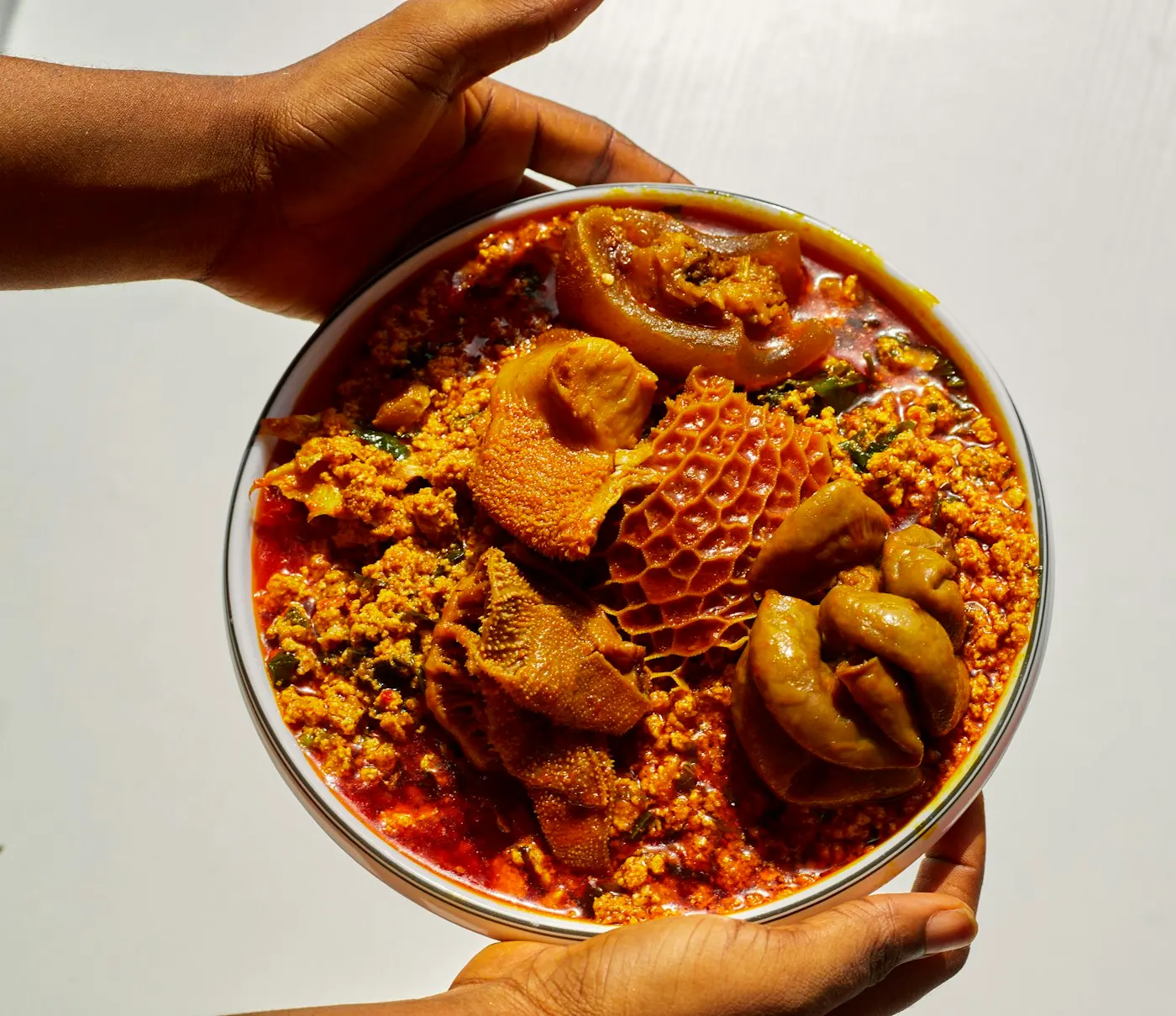
Egusi soup
Egusi soup
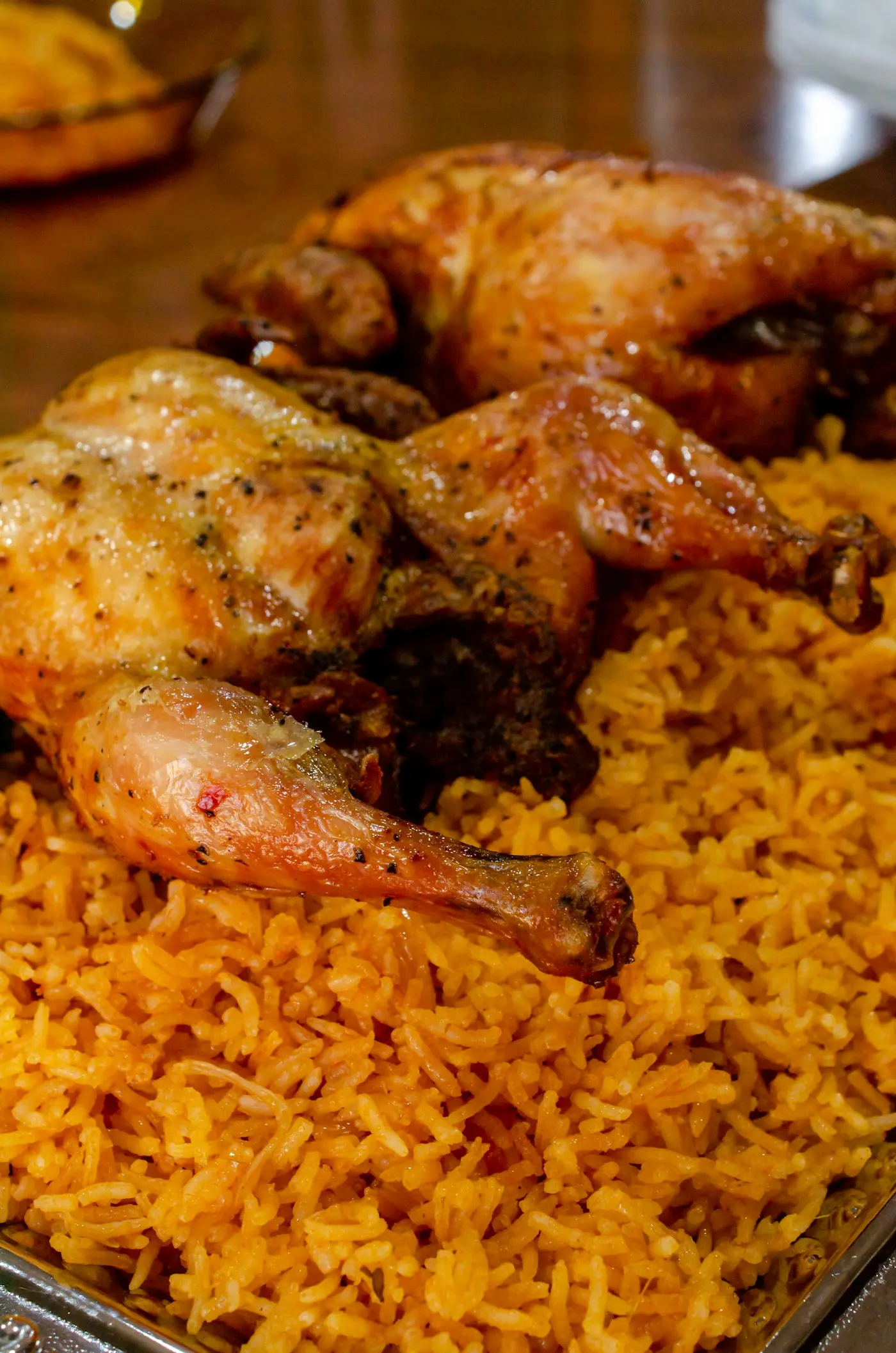
Chicken & pilau
Chicken & pilau
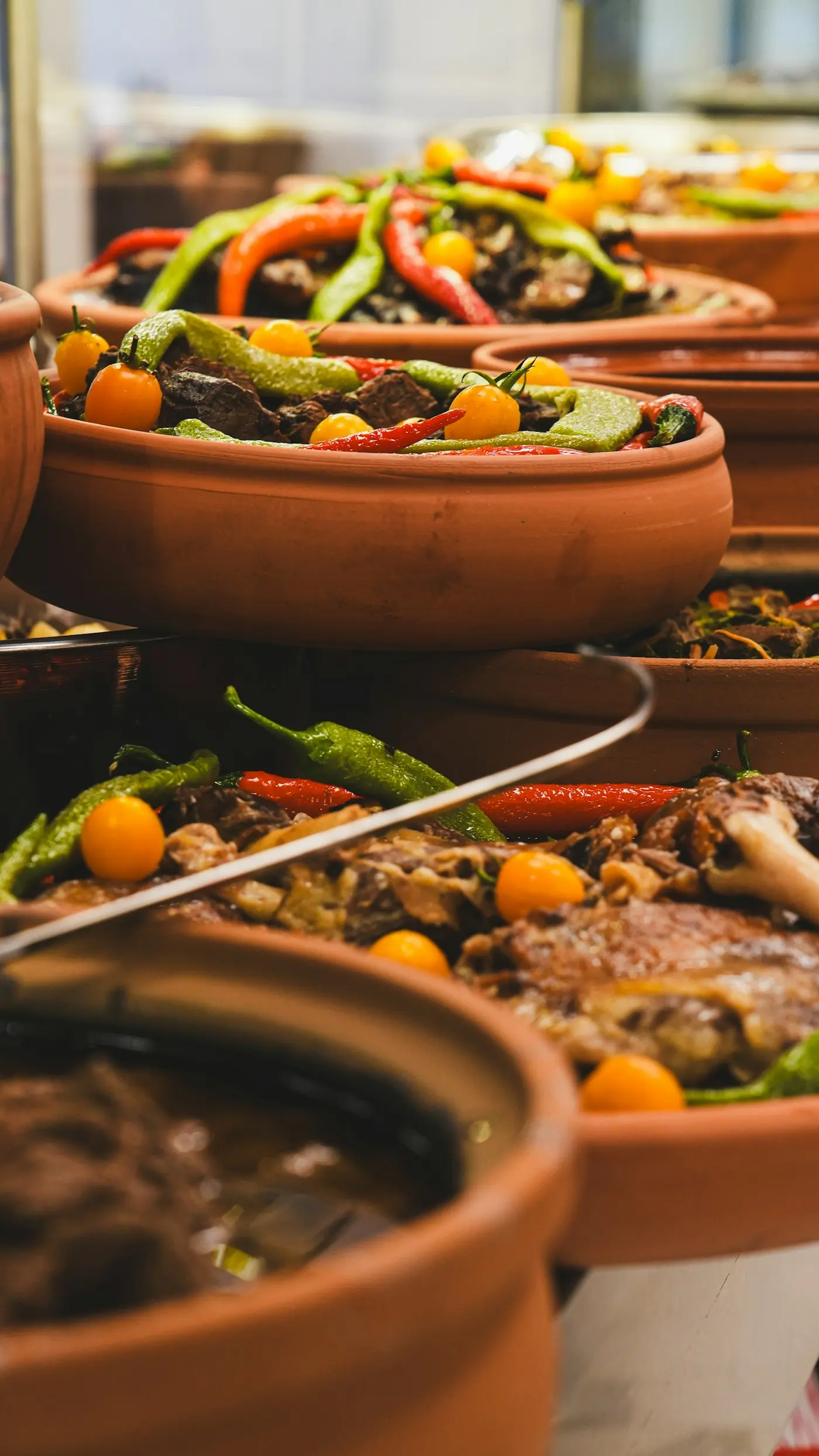
Clay-pot stew
Clay-pot stew
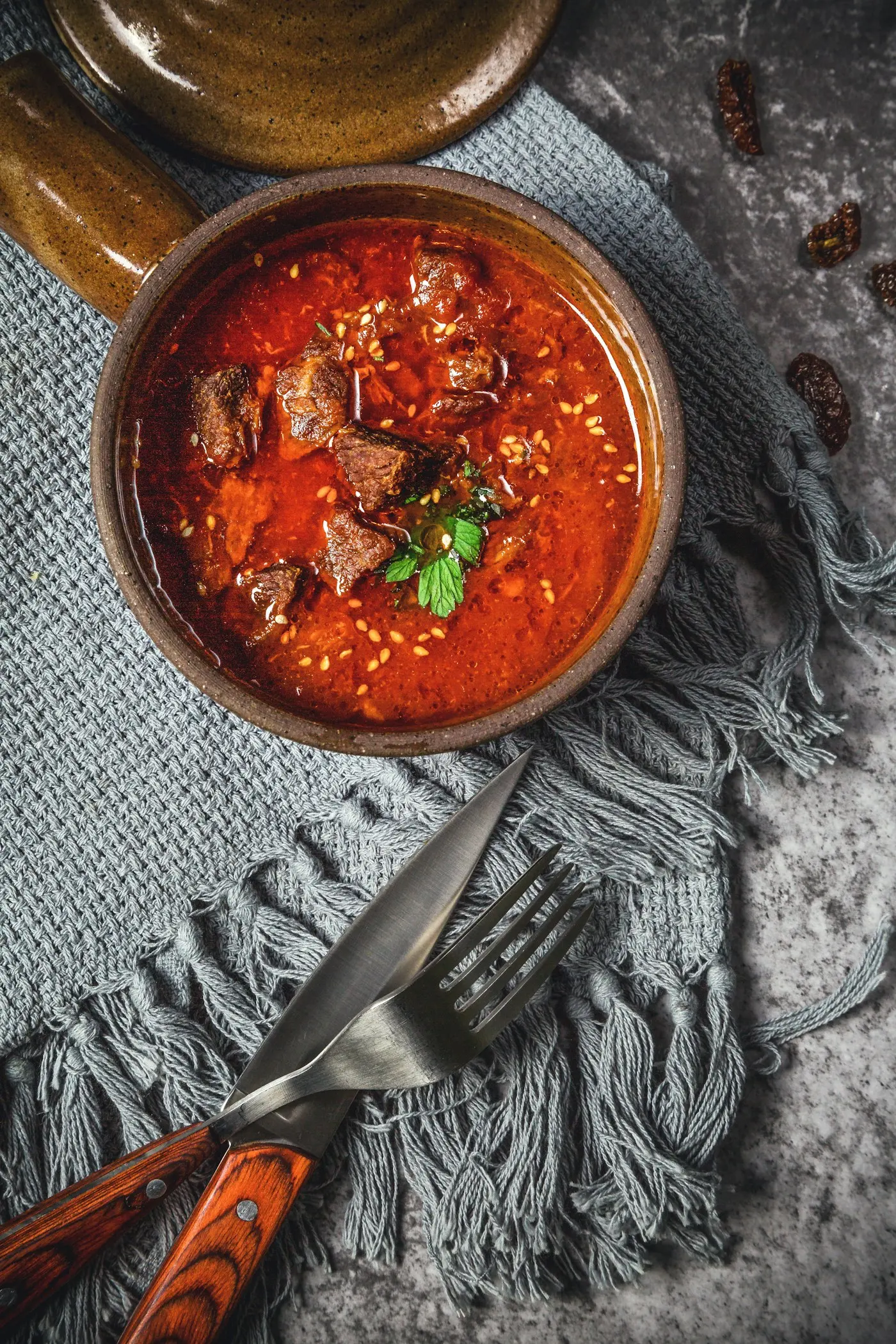
Spiced beef stew
Spiced beef stew
Plated specials
Plated specials
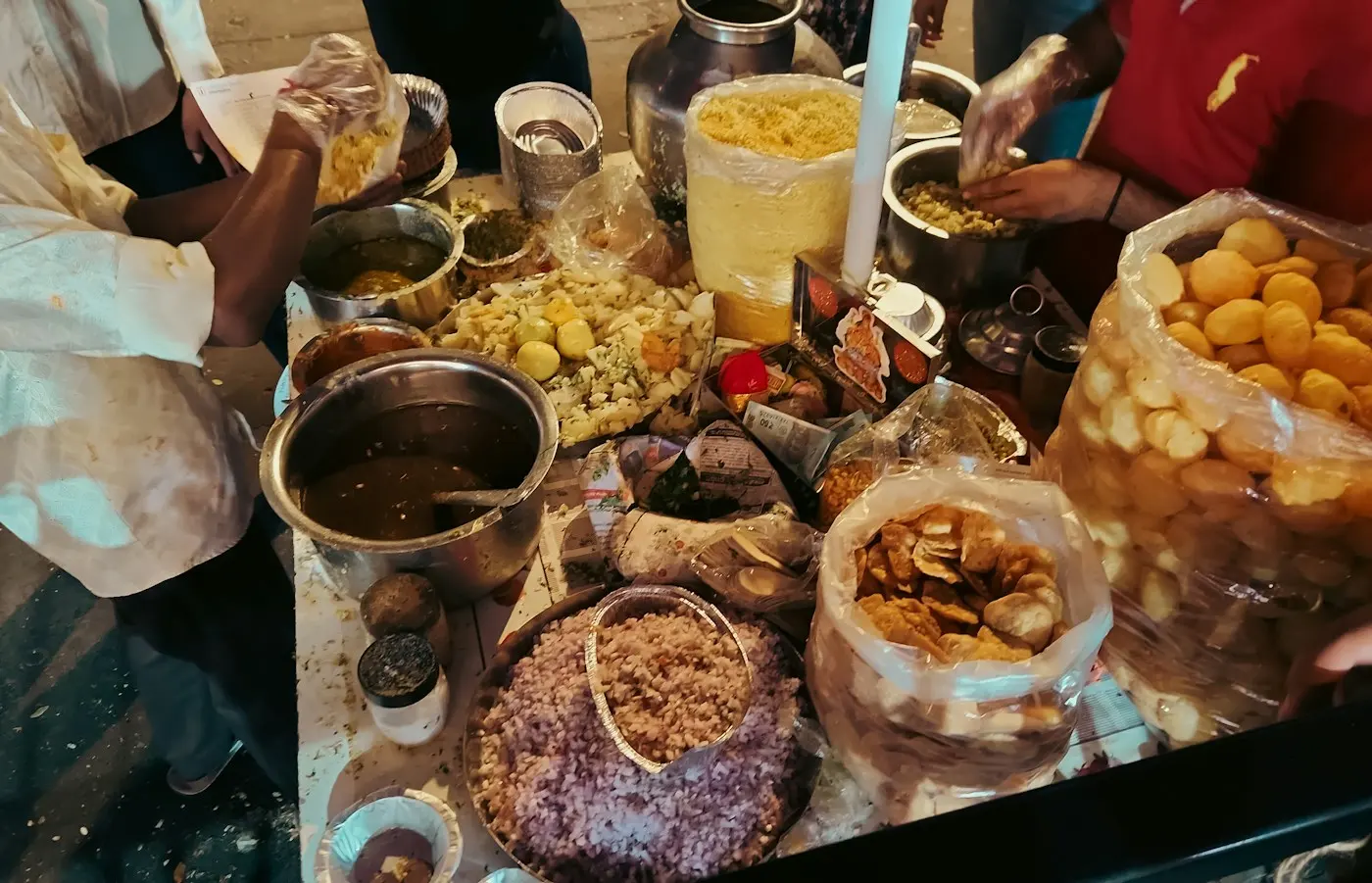
Street-side snacks
Street-side snacks
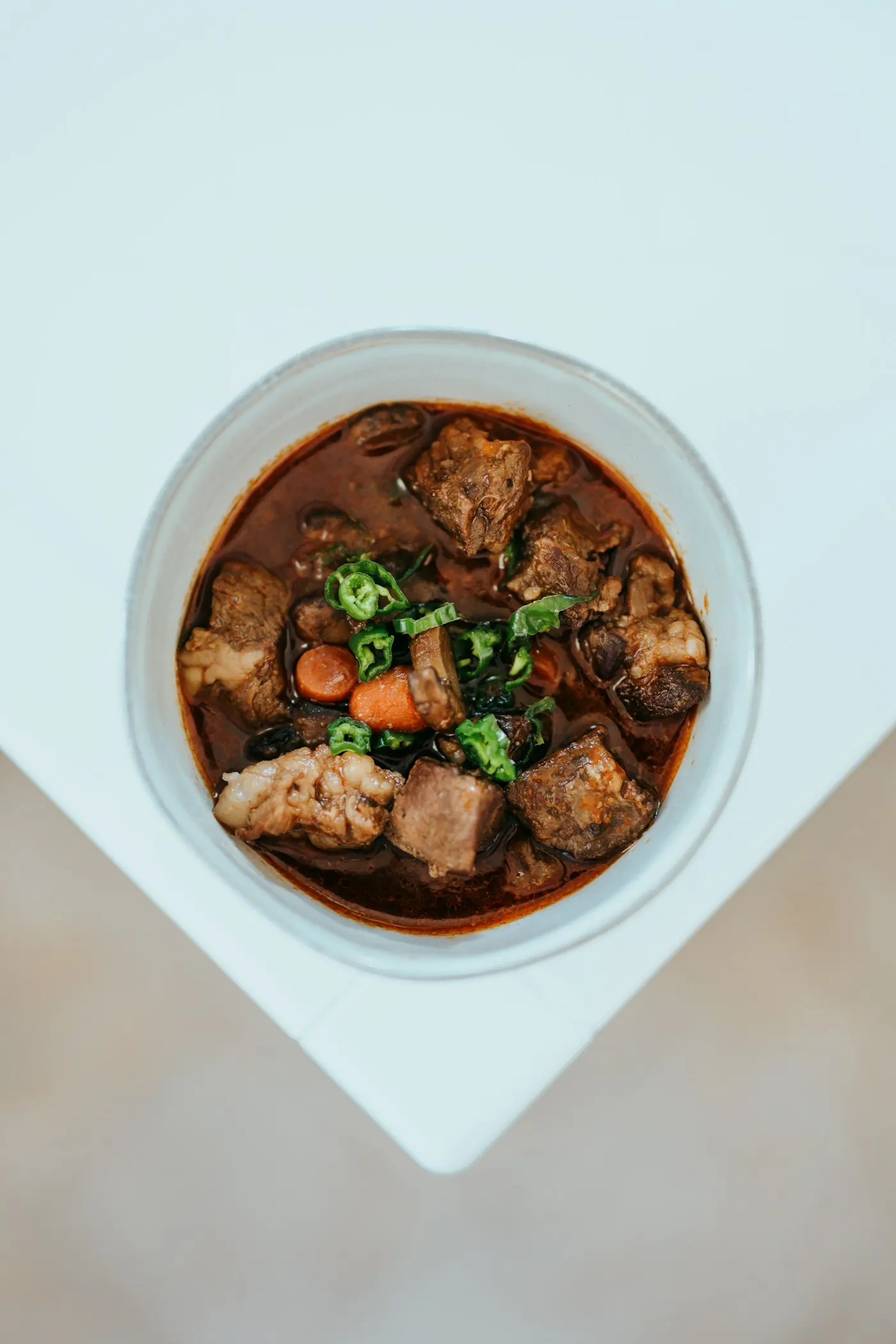
Slow-cooked beef
Slow-cooked beef
Built around your service

Run every service with confidence

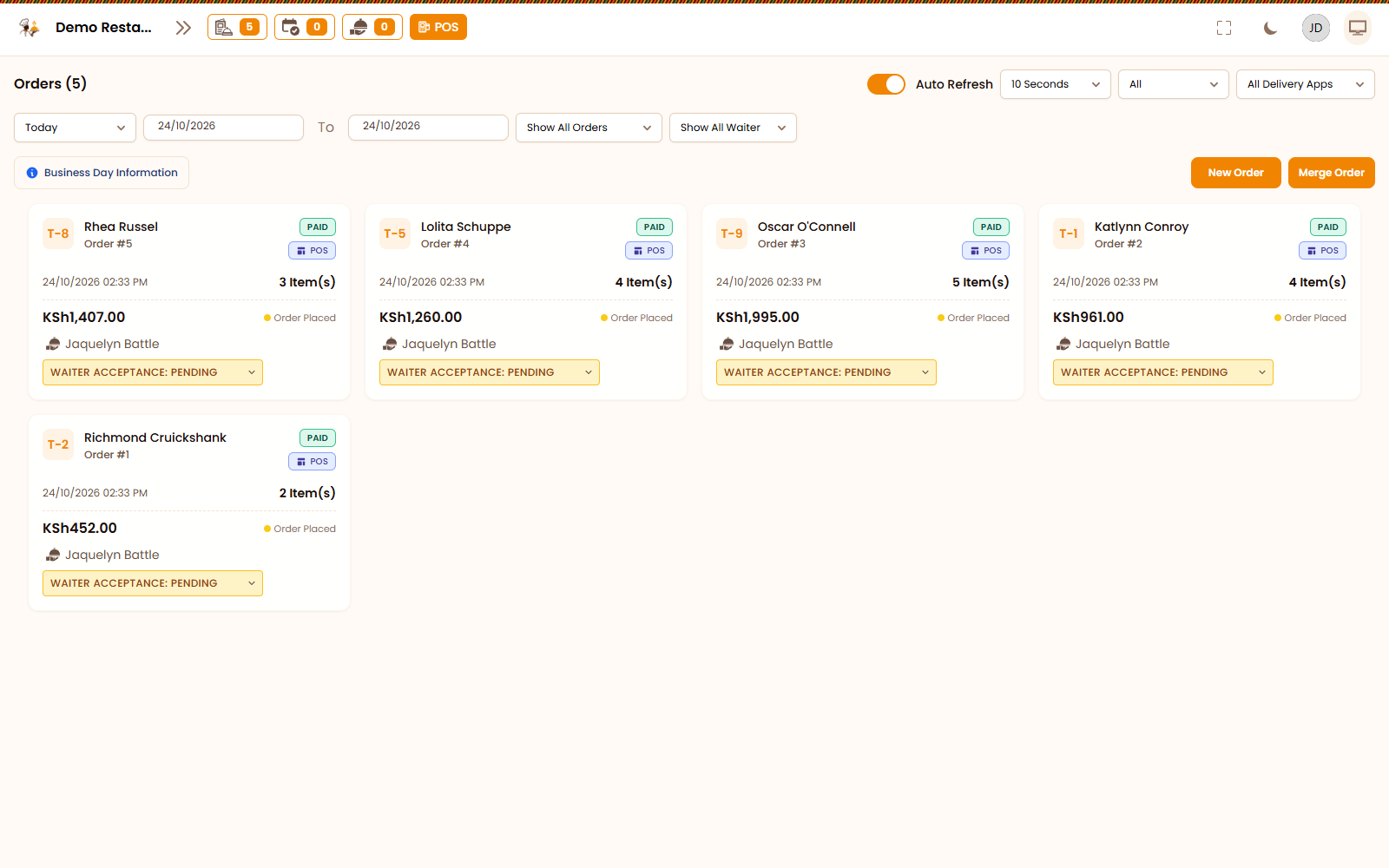
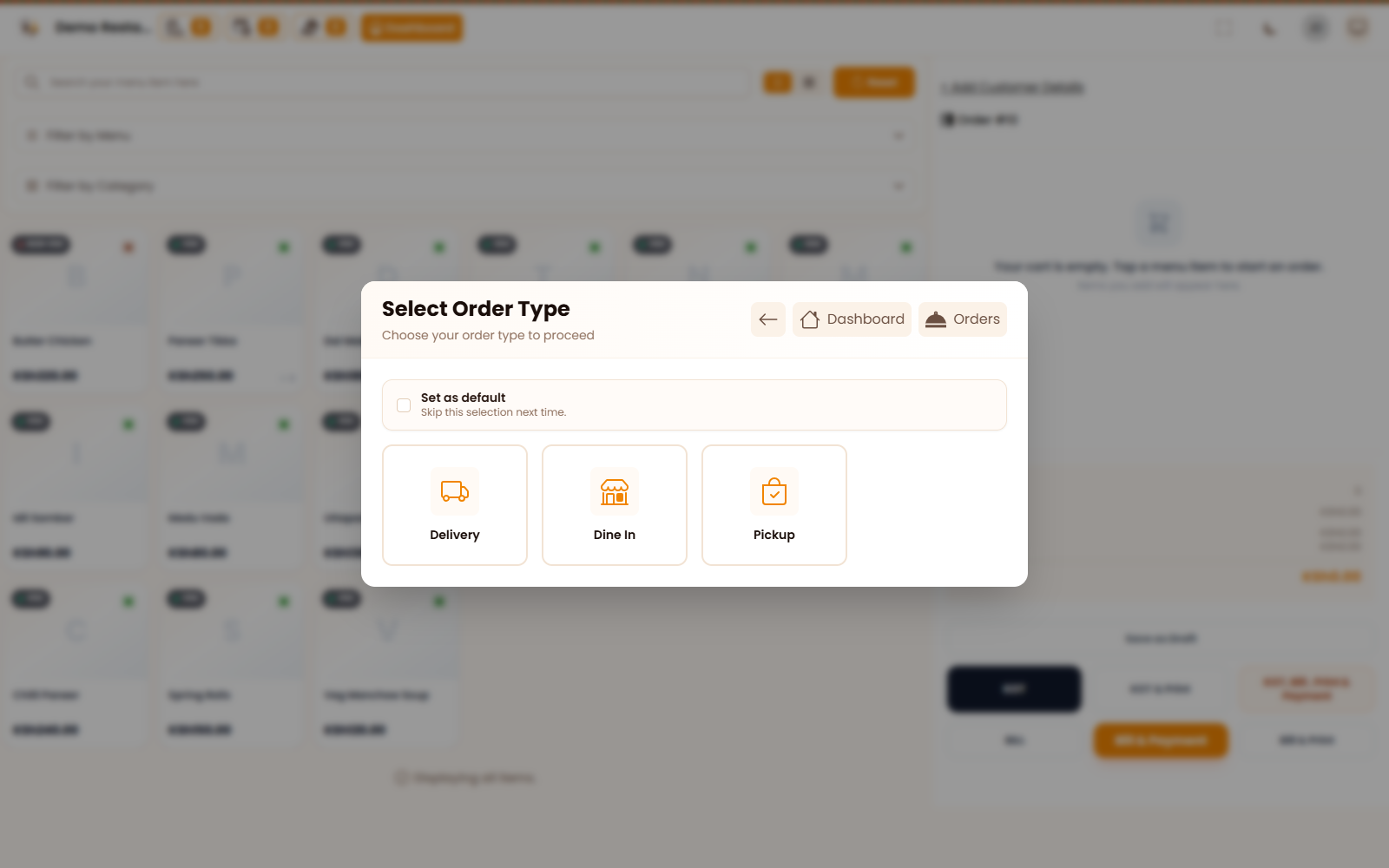
Orders that flow from table to kitchen
01

Orders that flow from table to kitchen

Dine-in, takeaway and delivery land in one queue. Tickets reach the kitchen instantly, so nothing gets lost between the waiter and the jiko.
See it in action
Tables and bookings at a glance
02

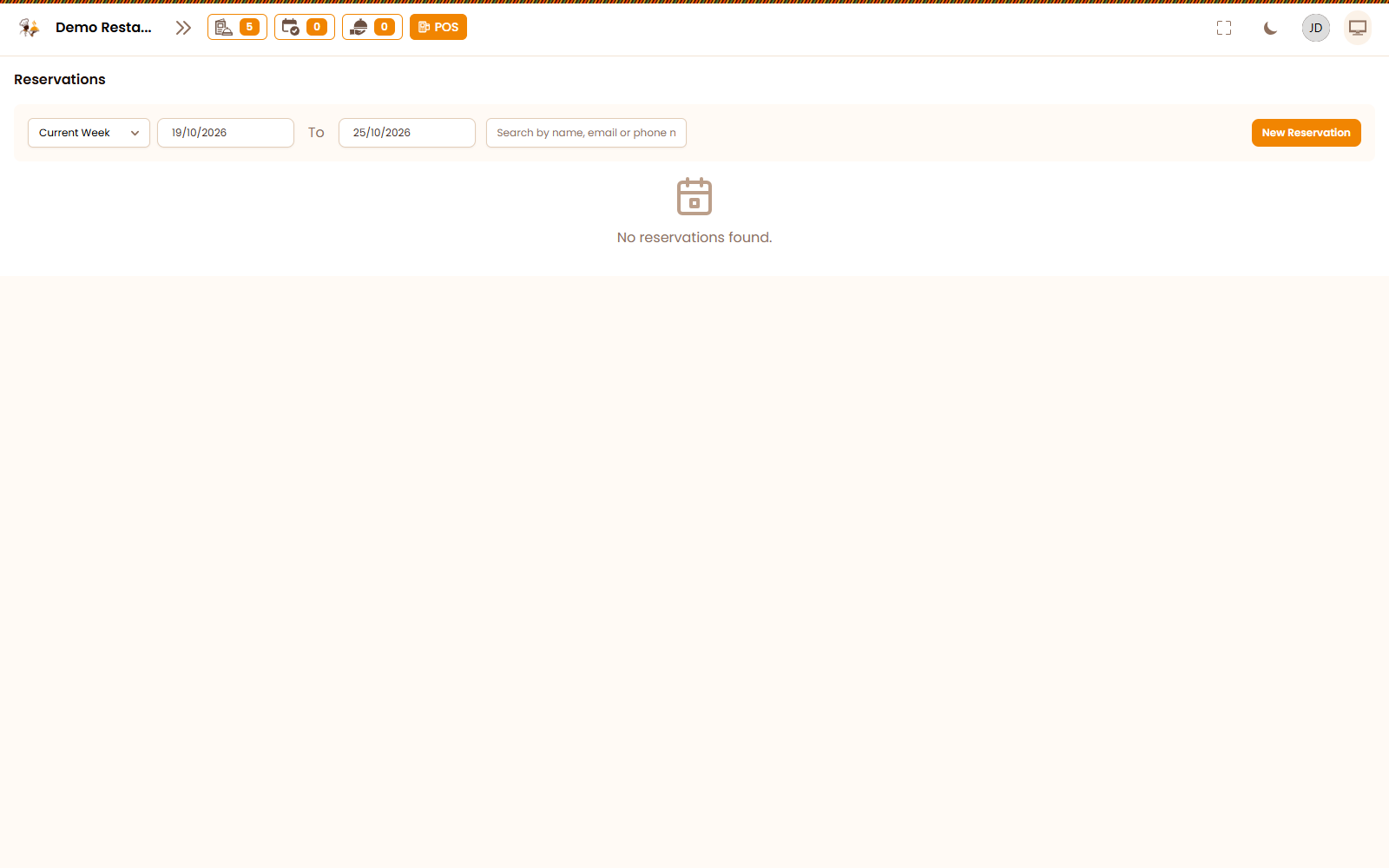
Tables and bookings at a glance

See which tables are free, seated or waiting on the bill. Take bookings ahead of the weekend rush and turn tables faster.
See it in action
A menu you can change in seconds
03

A menu you can change in seconds

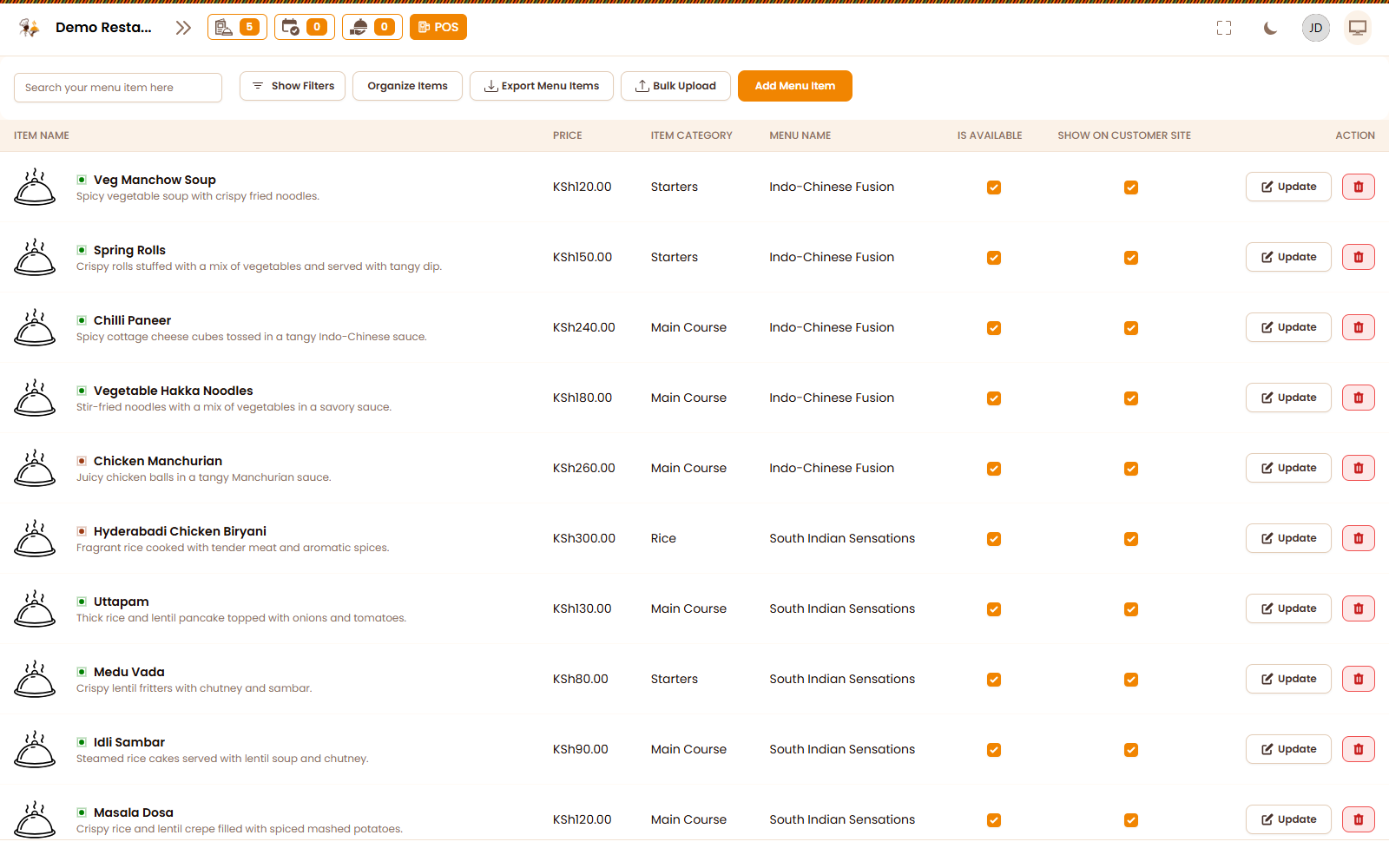
Update prices, mark dishes as sold out and add specials from your phone. Every till, QR menu and kitchen screen updates together.
See it in action
Inside KulaOS

Every screen your team touches, connected.

Dashboard, menu, kitchen display and reports from the KulaOS workspace.

Live dashboard screen in KulaOS

Live dashboard

Revenue, orders and table performance at a glance.

Menu management screen in KulaOS

Menu management

Categories, prices, modifiers and availability in one place.

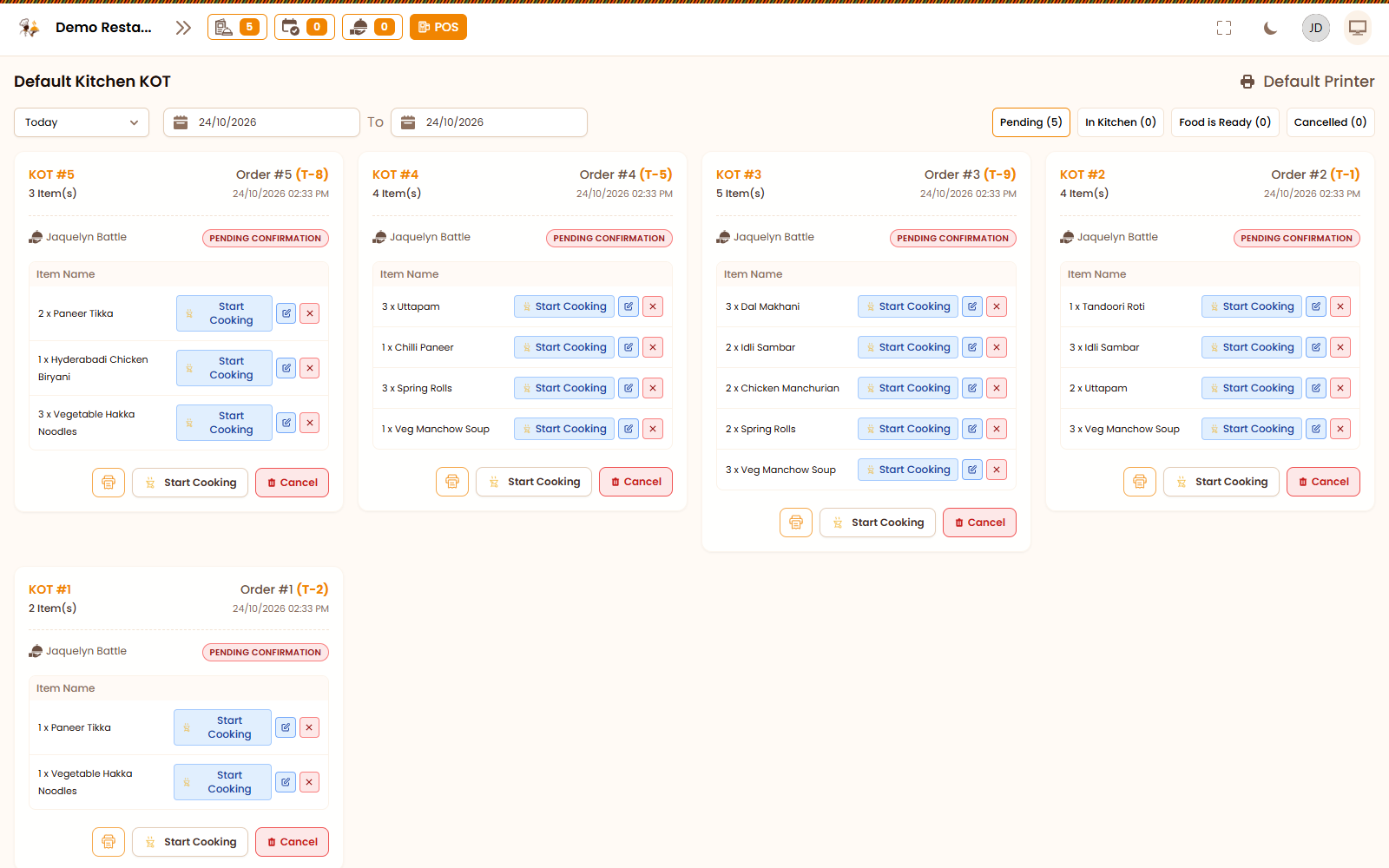
Kitchen display screen in KulaOS

Kitchen display

Send tickets to the kitchen and keep every station in sync.

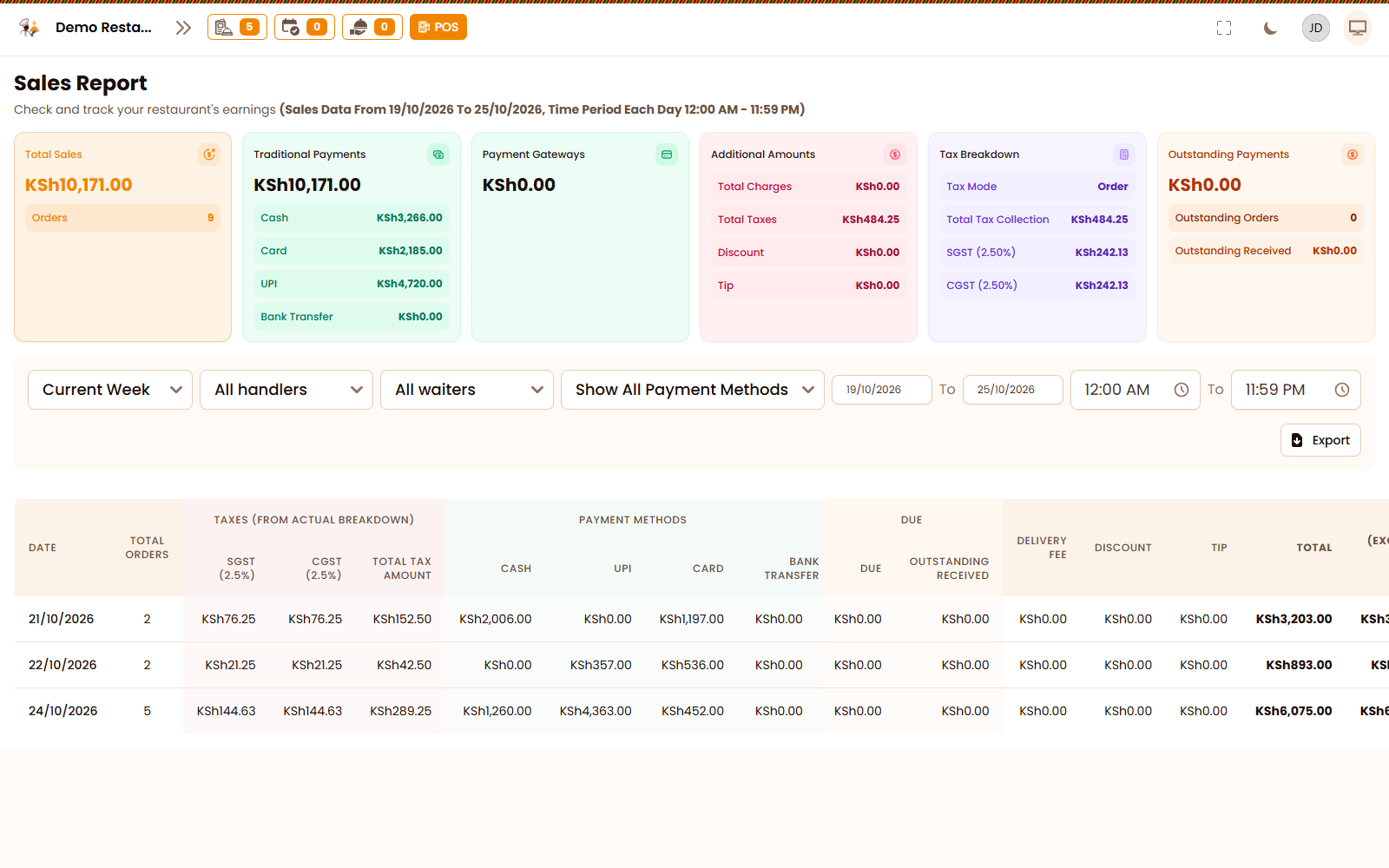
Reports screen in KulaOS

Reports

Sales, taxes, payments and balances without spreadsheets.

Everything included

Everything your restaurant needs, from kitchen to counter

QR menus & ordering

Guests scan, browse and order from their own phone.
M-Pesa, cards & cash

STK push to the customer's phone, with cards and cash on the same bill.

Staff & permissions

Separate logins for waiters, cashiers, chefs and managers, each with the right access.

Point of sale

A fast till built for busy counters, touch screens and tablets.

Floor plans

Lay out your dining room, terrace and VIP area exactly as they are.

Kitchen tickets

Send orders to the right station and track preparation time.

Receipts & bills

Print or share clean, itemised receipts with taxes and service charges.

Reports

Daily sales, top dishes, payments and stock movement — no spreadsheets.
Go live in a day

From setup to service, without the chaos.

01

Set up your menu

Add your dishes, prices, modifiers and stock units. Invite your team and give each role the right access.

02

Take orders anywhere

Run dine-in, takeaway and delivery from one POS. Tickets reach the kitchen and every table keeps moving.

03

Get paid and grow

Collect M-Pesa, cash and cards, then watch sales, stock and staff trends in real time.

Windows desktop

Get the KulaOS Windows App

Install the full POS on your counter computer. It keeps selling even when the internet goes down, takes M-Pesa payments and prints receipts.

  • Works offline - sales sync when back online
  • M-Pesa payments with transaction codes
  • Thermal receipts and kitchen tickets
  • Installs on Windows 10 and 11
Download for Windows

Version 1.0.0 - Windows 10/11 (64-bit)

After payment, we email your license key. Enter it in the app to activate your POS.
KulaOS · Offline mode
KulaOS Windows desktop app
Pricing

Simple pricing. No surprises.

Start free, then choose the plan that fits your kitchen. Upgrade, downgrade or cancel any time.
Monthly Annual Save more
Most popular

Subscription Package

Subscription

KSh10.00 / month

Billed monthly. Cancel anytime.

KSh100.00 / year

Two months free compared with monthly.

This is a subscription package

Get Started
Unlimited menu items Unlimited orders Unlimited staff

What’s included

  • Inventory
  • E T I M S
  • Menu
  • Menu Item
  • Item Category
  • Area
  • Table

+ 11 more features

Life Time

One time

KSh199.00

Pay once. Own it for life.

This is a lifetime access package

Get Started
Unlimited menu items Unlimited orders Unlimited staff

What’s included

  • Inventory
  • E T I M S
  • Menu
  • Menu Item
  • Item Category
  • Area
  • Table

+ 17 more features

Custom rollout

Multi-branch groups, bakeries, central kitchens and organisations with custom workflows. We’ll scope it with you.

Talk to sales

Onboarding, data migration and staff training included.

All plans include secure cloud backups, automatic updates and access to the Windows offline app.

FAQs

Maswali? We have answers.

What restaurant owners usually ask before going live on KulaOS.
Does KulaOS work without internet?
Yes. The KulaOS desktop app for Windows keeps taking orders and printing tickets offline, then syncs everything once your connection is back.
Can customers pay with M-Pesa?
Yes. KulaOS sends an M-Pesa STK push to the customer's phone and marks the bill paid once Safaricom confirms. Cash and card payments sit on the same bill.
Can I manage more than one branch?
Yes. Add every location to one account, switch between branches and compare their sales from a single dashboard.
How long does it take to get started?
Most restaurants go live in a day: add your menu, tables and staff, then start taking orders. Our team can help you load your menu.
Is my restaurant data secure?
Your data travels over encrypted HTTPS, every staff member has their own login and permissions, and the platform database is backed up daily.
Which devices can I use?
Any modern browser on a laptop, tablet or phone, plus the Windows desktop app. Thermal receipt and kitchen printers are supported.
Let's talk

Let's get your kitchen on KulaOS

Tell us about your restaurant, café, hotel or bakery. We'll help you choose the right setup and get your team live.
Visit us
KulaOS
Nairobi, Kenya
Support hours
Mon – Sat, 8:00 – 18:00 EAT
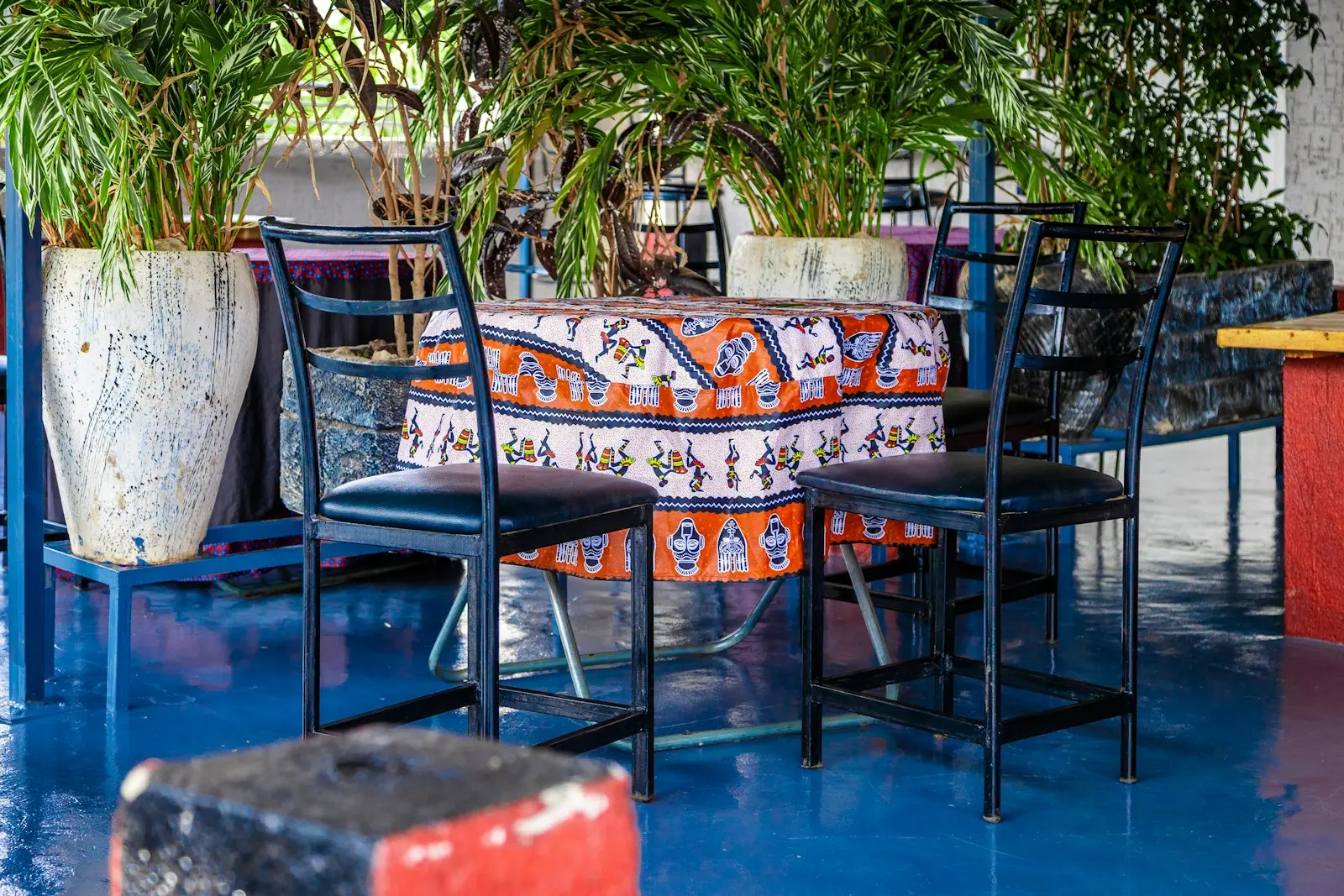
A colourful restaurant courtyard with a printed tablecloth